
We’re now ready to make our first Java Program! If you have never been exposed to programming before, I think you’ll find it a relief to see how easy it is to make a simple program and start creating useful applications.
Hello World
Let’s start by creating a new Java Project:
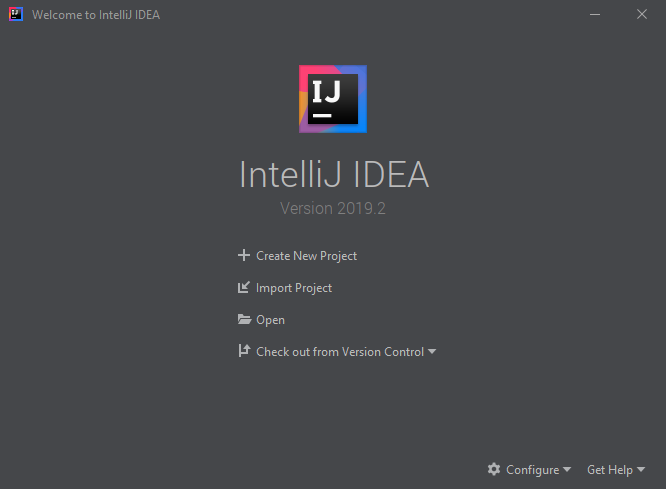
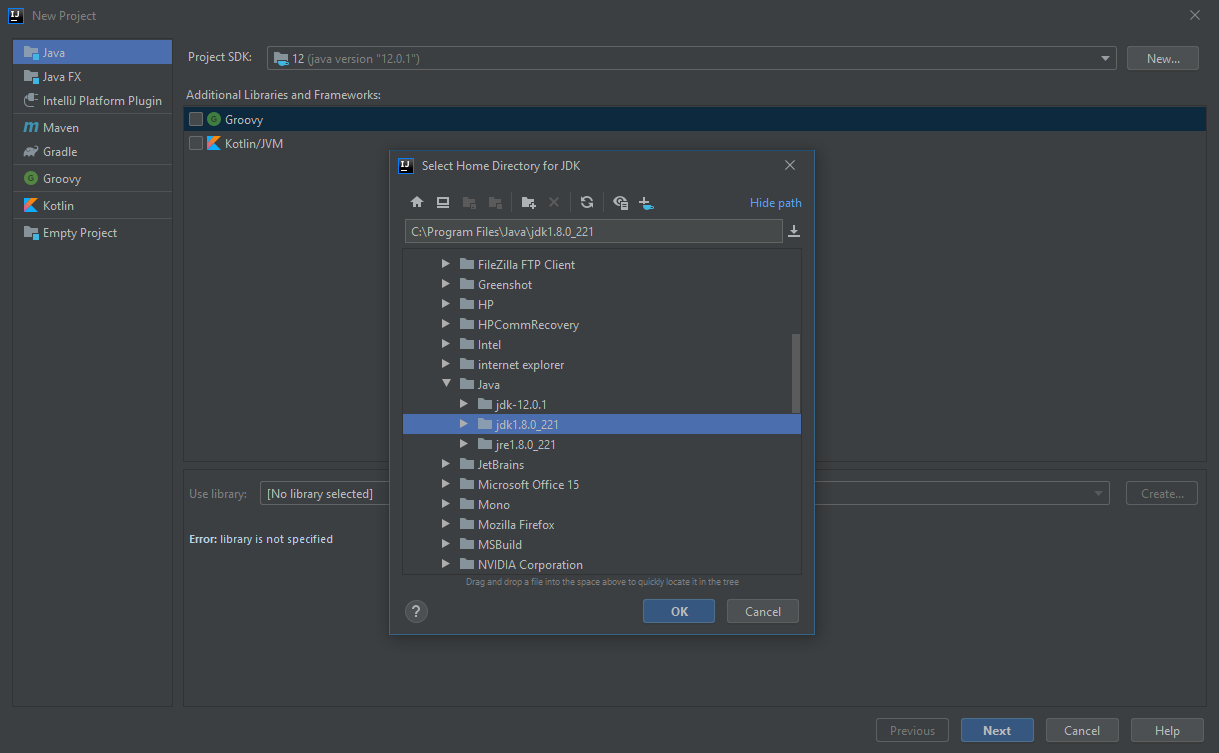
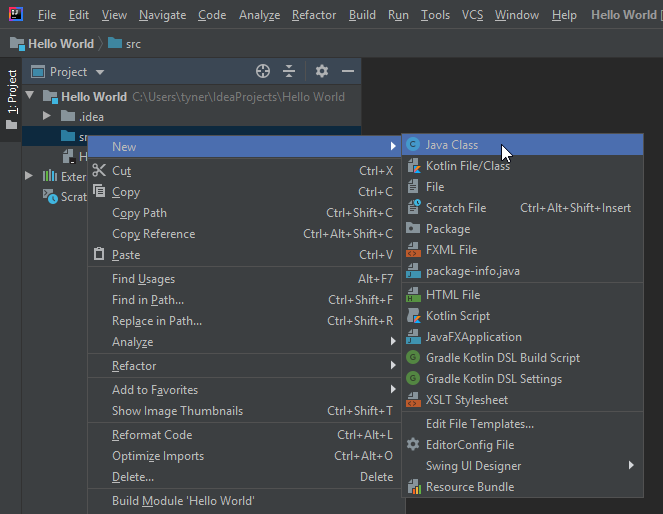
You should be greeted with a screen that looks like this:
public class Application {
}
Notice that the class name ‘Application’ is the same as displayed in this file. Don’t worry about what ‘public’ or ‘class’ mean right now. We will get into that in the next few lessons.
Now, we need to create a main method so that Java knows that this class is the start of our program.
That will look like this:
public class Application {
    public static void main(String[] args) {
        // Application code goes here
    }
}
So now that Java knows where to start, let’s give it something to do:
public class Application {
    public static void main(String[] args) {
        // Application code goes here
        System.out.println("Hello World");
    }
}
That’s it! You’re done writing! Now, we need to run the application.
Right-click in the text-editor window where your code is (or on the Application file in your project explorer) and select Run:
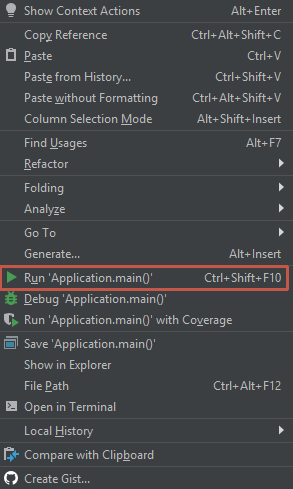
The console window will open within IntelliJ and should look something like this:
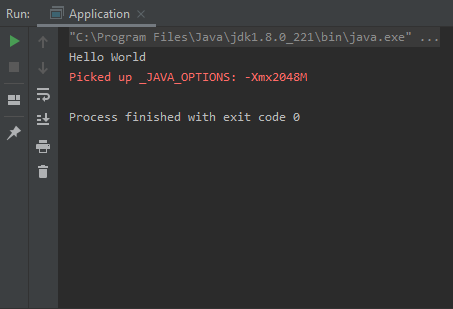
‘Picked up _JAVA_OPTIONS: -Xmx2048M’
Now you know how to build and run a Java application! In the next section, we will learn how to take input from the user and do something with it.
Next Step >>

 [Breakthrough]